Your EchoMory Card Is Ready
Four quick steps: download the app, create your AI song, open the card, then burn the music in.
-
Step 1
Download the EchoMory App
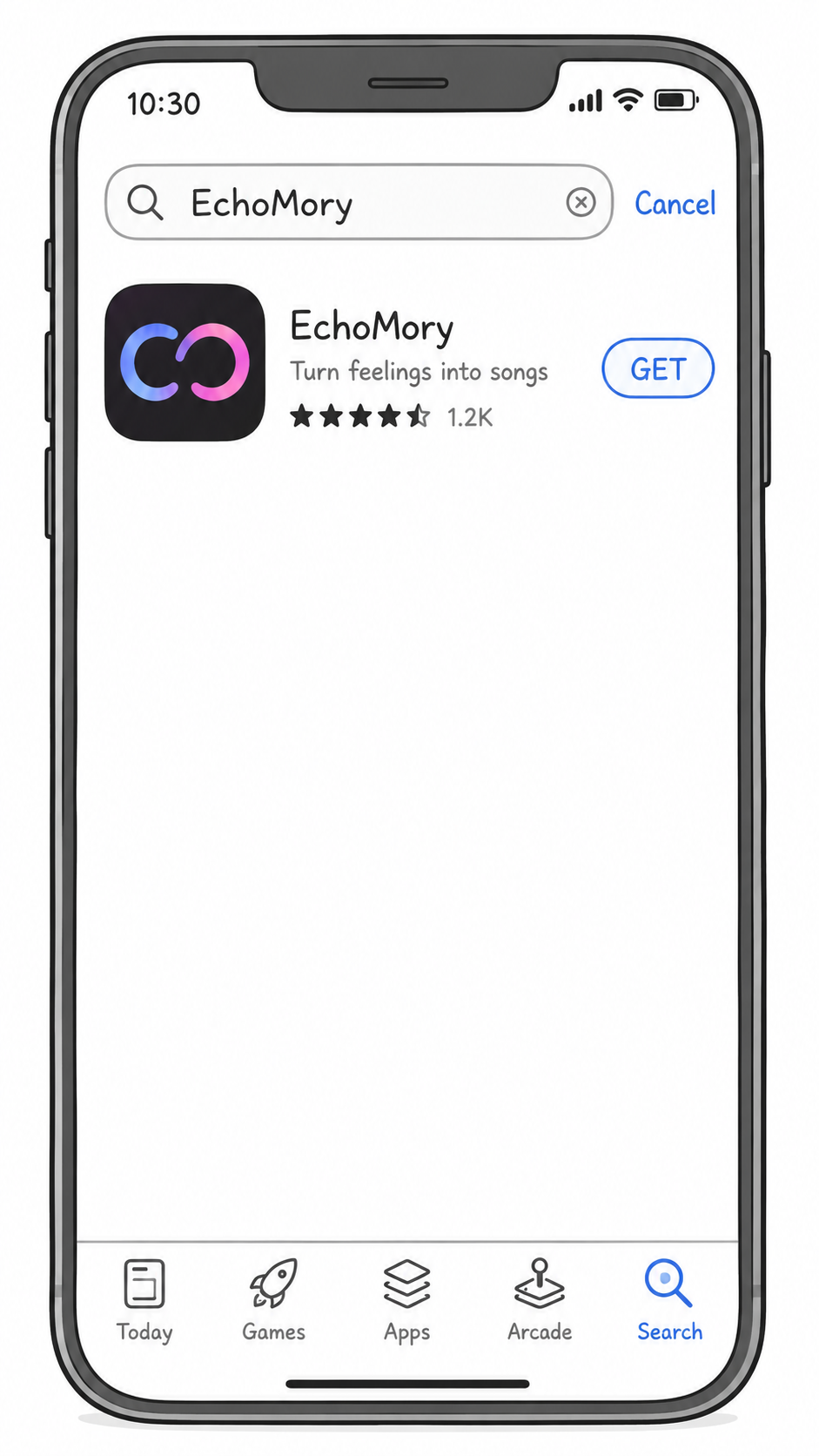
Search "EchoMory" on the Apple App Store or Google Play, or scan the QR codes below.
-
Step 2
Generate Your AI Song
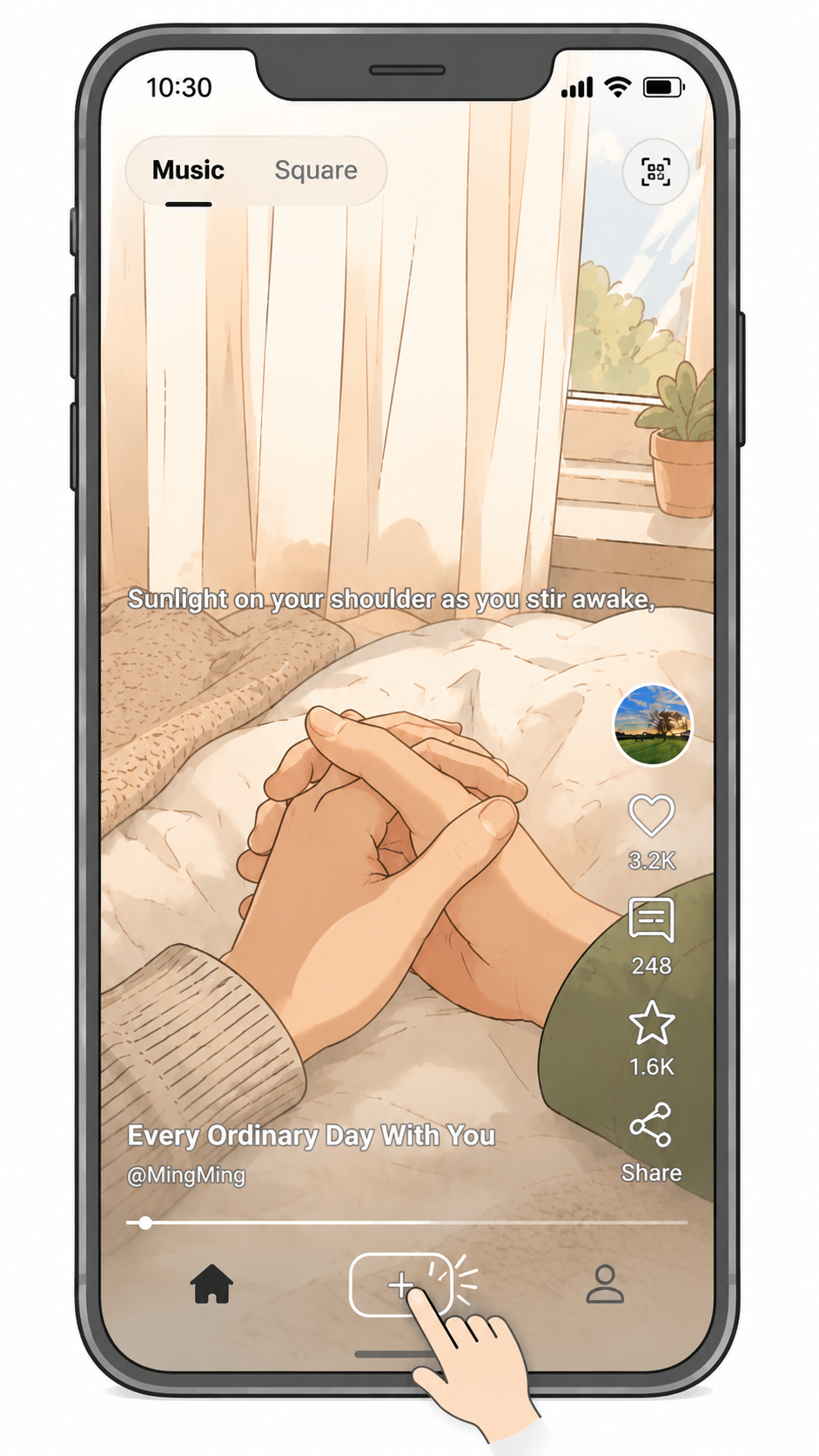
Open the app and tap the + button to start creating. Share a memory, a message, or a photo — AI turns it into a song made just for them.
-
Step 3
Open the Greeting Card
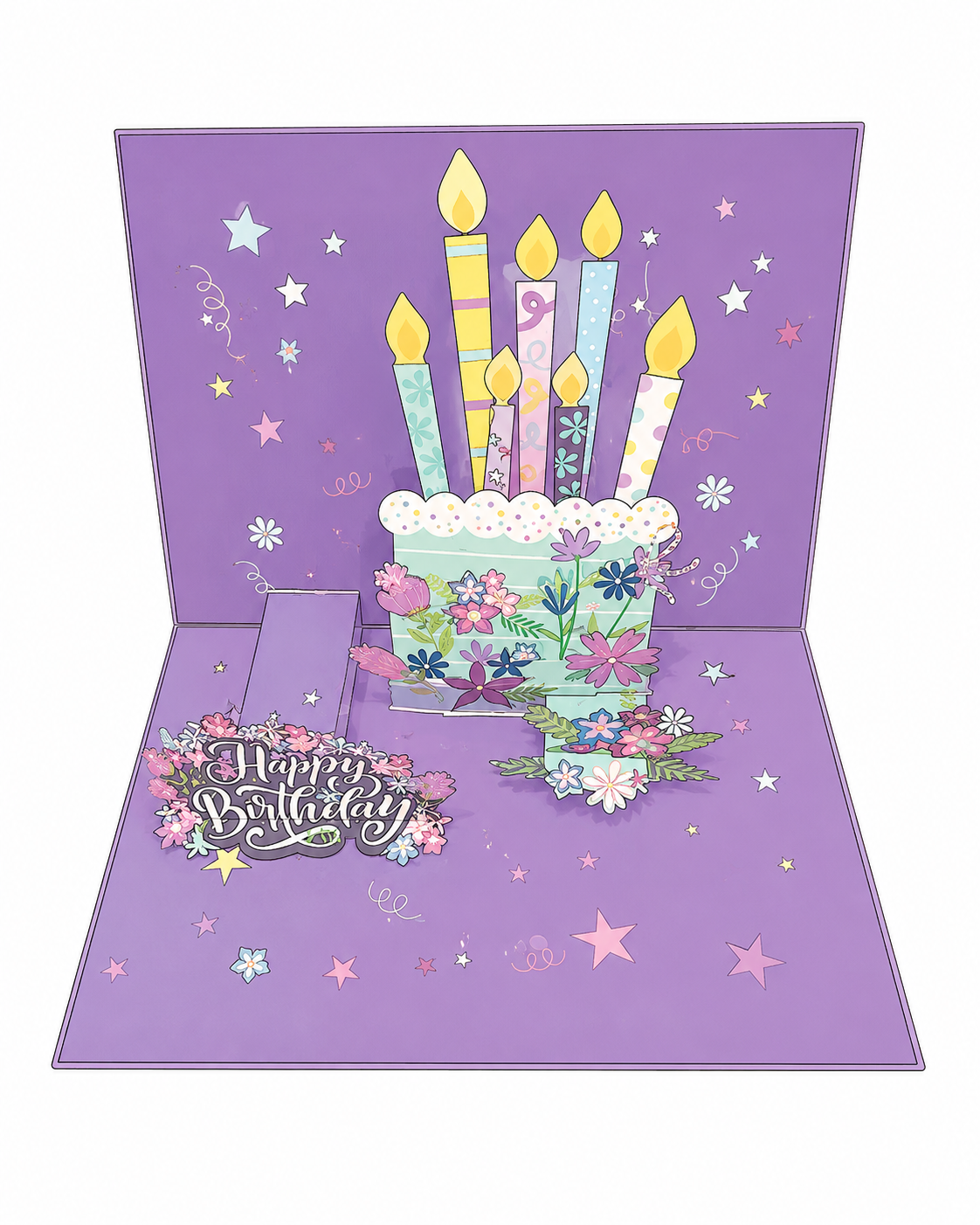
Open your EchoMory pop-up card. Opening it powers on the card so Bluetooth is ready for the next step.
-
Step 4
Burn Music to the Card
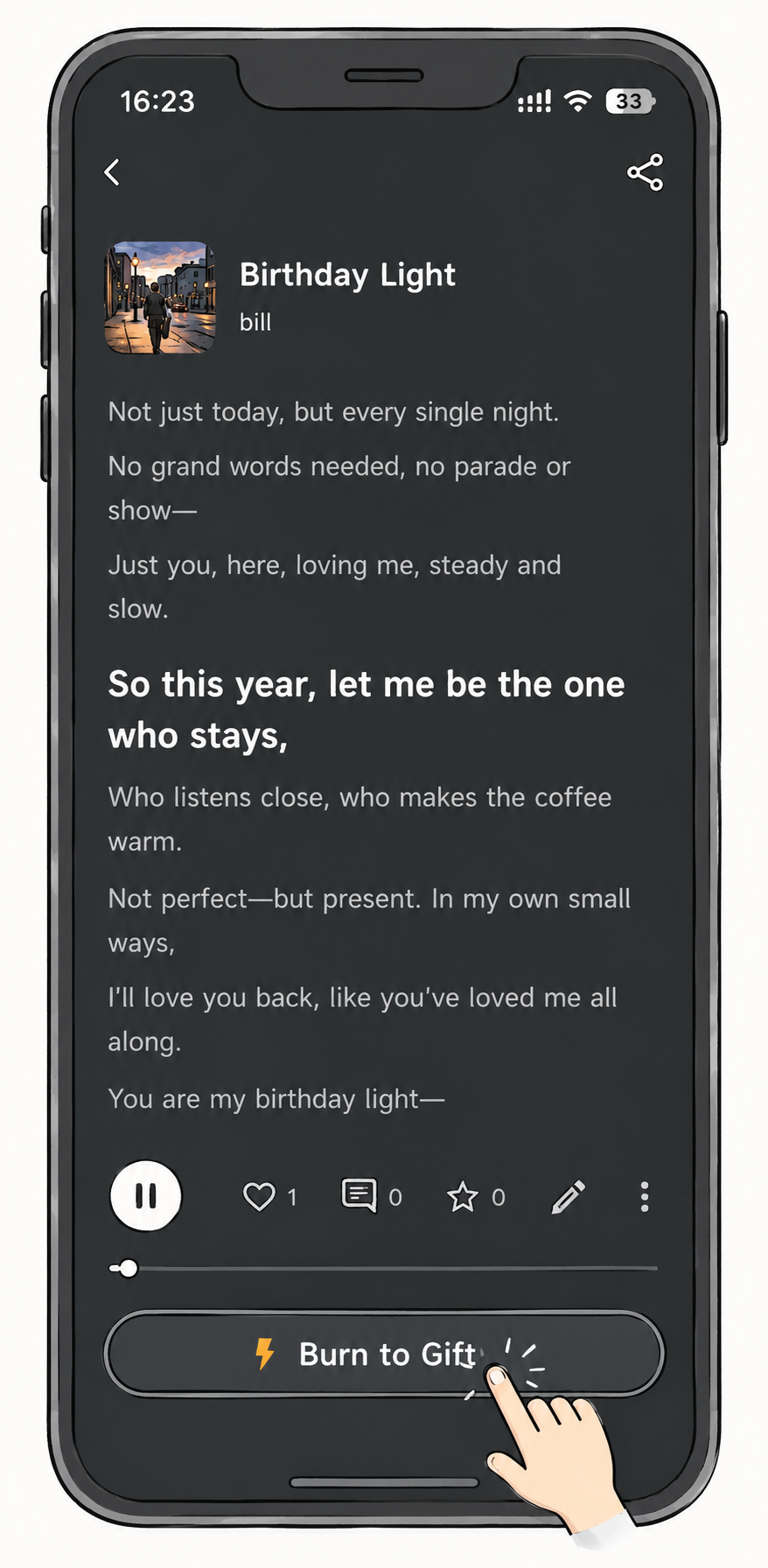
In the app, open your song and tap Burn to Gift. Keep your phone close to the card until the transfer finishes.
When it's done, open the card again to hear your song.